In short
The best Christmas card photo ideas are the ones you can still use in February. A card is a small, disposable object: it needs about three megapixels and it goes in the recycling in January. The same photo, shot slightly differently, is the best picture your family will take all year, and it can hang on a wall for a decade. So shoot wide, shoot both vertical and horizontal, leave room around every head, and keep the original file. The thirty ideas below are grouped by where you are shooting. The rules after them are what make any of the thirty survive a printer.
Every Christmas card photo guide gives you locations, outfits and poses. Those matter, and there are thirty of them below. But they all stop at the same place, which is the moment the card gets mailed, and that is about six weeks of life for a photo you spent a Saturday getting. The families who end up happiest with their holiday photo are not the ones who found a cleverer pose. They are the ones who shot the session knowing the card was the smaller of the two jobs.
What makes a good Christmas card photo?
Three things, and only one of them is the idea. Light comes first, because it is the only decision you cannot fix afterwards: the hour after sunrise and the hour before sunset put the sun low and warm, while noon puts it overhead and makes everyone squint. Coordination comes second, meaning a shared palette of three or four colors rather than identical outfits. The idea comes third, and its real job is to give everyone something to do so nobody is standing still aiming a face at a lens. A card adds one constraint an ordinary family photo does not have, which is that the design will put text somewhere on the image, so whichever frame you choose needs a quiet area with nothing important in it.
We covered light, palette and posing in depth in our family photo ideas guide, so this piece assumes those and concentrates on what is specific to a card.
Christmas card photo ideas at home
Home is where most of these actually get shot, because it is warm, the props are already there, and a toddler meltdown is eight feet from a nap. Shoot near a window rather than under a ceiling light, and face everyone toward the glass rather than putting their backs to it.
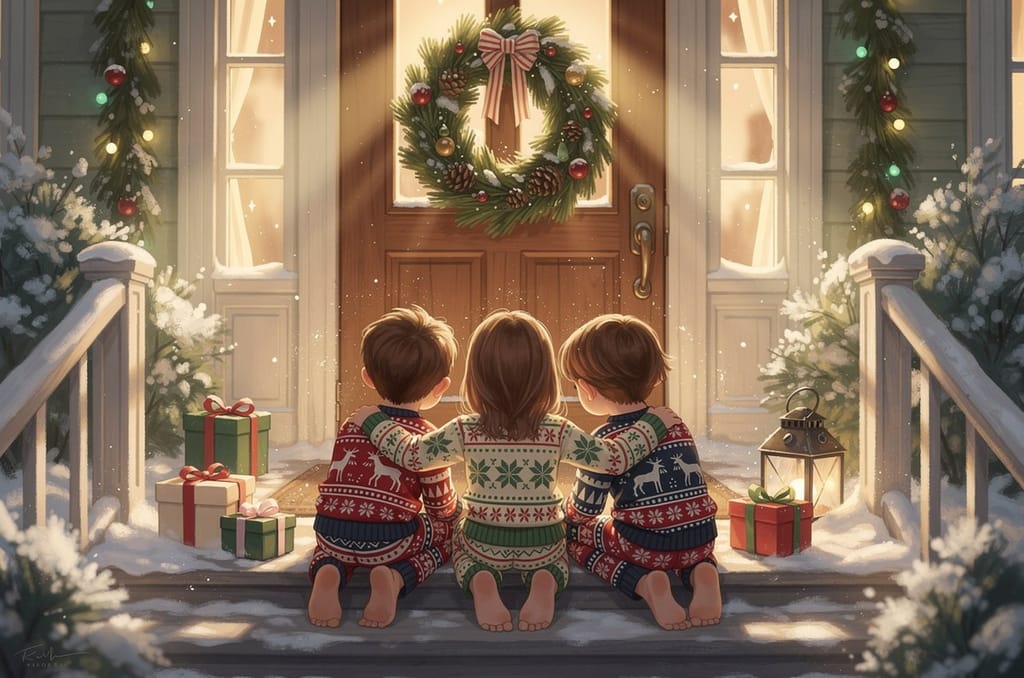
- The front step, wreath behind you, everyone piled onto two stairs.
- Matching pajamas in a height-ordered line by the tree.
- Decorating the tree, caught mid-reach rather than mid-pose.
- Cookie decorating, shot from above so you get hands, flour and faces.
- The fireplace hearth, everyone sitting on it, fire as sidelight.
- Reading a holiday book together on the sofa, nobody facing the camera.
- Hot cocoa raised in a toast, shot slightly from above to catch every mug.
- Building a gingerbread house, at the moment it collapses.
- Heads together on the floor, camera directly overhead, decor around the edges.
- Everyone under one blanket on the sofa, only faces and a lamp for light.
Outdoor Christmas card photo ideas
Outdoors gives you the best light of the three settings and the least control over everything else. Overcast is not a problem: a flat grey sky works like a giant diffuser and it removes squinting entirely. Bring a coat everyone can take off ten seconds before the shot.
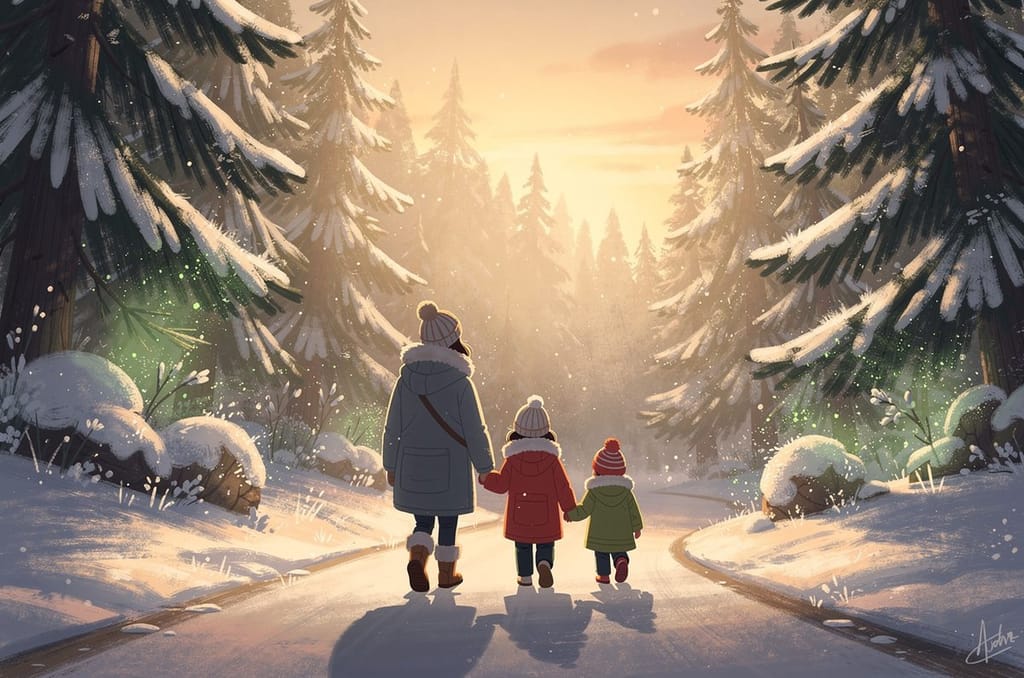
- A walk down a tree-lined lane, shot from behind, hands held.
- A snow-dusted stand of evergreens, no decorations needed.
- A tree farm at the moment the tree is chosen, saw still in hand.
- Post-snowman, everyone red-cheeked and standing next to their work.
- A snowball fight on burst mode, chosen frame by frame afterward.
- Ice skating, shot low so the blades and the rink both read.
- A downtown street with lights strung overhead, at dusk.
- Your own backyard at golden hour, string lights just switched on.
- A hike on a trail your family actually walks, coats and all.
- The beach, if that is your December, with no seasonal props at all.
Ideas for babies, small children and pets
The rule for all three is the same: you cannot direct them, so photograph what they are already doing and shoot far more frames than you think you need. Feed everyone first. Plan for about fifteen usable minutes with a toddler, and less with a dog.
- A newborn in a stocking, laid on something soft and safe, shot close.
- Hands and feet only, no faces, on a knitted blanket.
- A baby held by two adults at once, which steadies the baby and the pose.
- A toddler chasing bubbles across the frame, camera on burst.
- A child holding the family pet, both of them slightly out of control.
- The dog in antlers, shot at its eye level rather than from standing height.
- The cat under the tree, photographed where the cat already is.
- A sibling pair spelling a word with cardboard letters.
- The youngest in the middle of the group, older kids flanking, adults behind.
- Everyone including the pets, on a tripod with a ten second timer, run twice.
What should everyone wear?
Pick three or four colors and let each person wear a different combination of them. The eye groups by color, so a shared palette reads as a family without the uniform look.
Cream, oatmeal, camel, rust and burgundy photograph well against both autumn foliage and warm indoor light, and they do not date the way a novelty print does.
Against snow or a bright winter sky, white clothing pushes the camera's exposure down and leaves skin tones looking washed out and grey.
A single busy print pulls the eye off every face in the frame. Solids and subtle textures keep the attention where you want it.
Matching holiday pajamas are their own tradition, and they work precisely because they are obviously deliberate rather than accidentally uniform.
Bring one backup outfit per child in the same palette. Mud, juice and meltdowns end more sessions than bad light does.
How do you shoot it so it survives the print?
This is the part the other guides skip, and it is the difference between a photo that works once and a photo that works for ten years. A printed image needs roughly 300 pixels per inch to look sharp at arm's length, so a 5×7 card at 300 PPI comes to 1,500 × 2,100 pixels, about 3.2 megapixels, which any phone from the last decade clears without trying. An 11×14 canvas of the same photograph needs 3,300 × 4,200 pixels, about 13.9 megapixels, and a crop that looked generous on a card can fall under that.
So do three things in the session. Shoot both a vertical and a horizontal of every setup, because card layouts and wall frames want opposite orientations. Leave visible headroom and space at the sides, since the card design will crop into it and a wall print will crop differently. And keep the original files, not just the edited exports.
| Finished size | Pixels at 300 PPI | Megapixels |
|---|---|---|
| 5×7 card | 1,500 × 2,100 | 3.2 |
| 8×10 canvas | 2,400 × 3,000 | 7.2 |
| 11×14 canvas | 3,300 × 4,200 | 13.9 |
| 16×20 canvas | 4,800 × 6,000 | 28.8 |
One caveat worth knowing. That table applies when the photograph itself is being printed. If the photo is being turned into painted artwork rather than reproduced directly, as it is in our own flow, the finished art is generated and enlarged at print size, so what your source photo needs is clear, well lit faces rather than a high pixel count. Our guide to picking the best photo covers what actually matters there.
When do you need to take the photo?
Earlier than feels necessary. Working backwards from a card that lands in mailboxes in the first week of December: cards need to be addressed and stamped in the second half of November, printed and delivered in the two weeks before that, and chosen from an edited gallery a week before that. That puts the shoot itself in late September to mid October, which is also when the light is still low and outdoor settings still have color in them.
Carrier deadlines are the fixed point at the end. For the 2025 season the Postal Service recommended sending First-Class Mail by December 17 and Priority Mail by December 18 for delivery before Christmas. The 2026 dates had not been published when this was written; USPS announced its 2025 dates on September 17, 2025, so expect the 2026 equivalents in the fall on the USPS holiday shipping dates page.
| When | What happens |
|---|---|
| Late September to mid October | Shoot the session, while the light and the leaves still help |
| Late October | Choose the hero image and order the cards |
| Early to mid November | Cards arrive, addressing begins |
| Late November | Cards go in the mail |
| Early December | Order anything printed from the same photo as a gift |
| Mid December | Carrier cutoffs for arrival before Christmas |
What happens to the photo after the card?
For most families, nothing. The card gets read, propped on a mantel for three weeks and recycled, and the photo goes back into a camera roll with eleven thousand others. That is the actual waste in the whole exercise, because the session produced the one picture of the year with everybody in it, everybody looking well, and everybody in the same room.
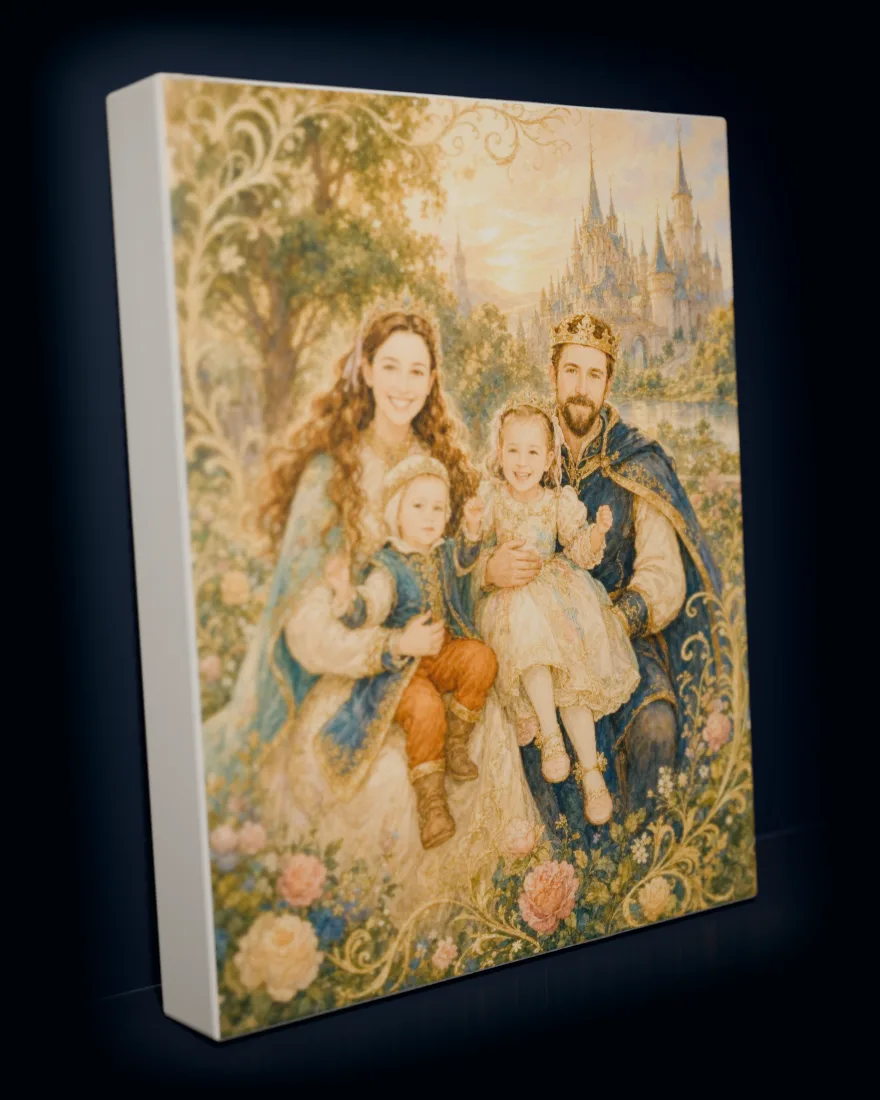
The obvious answer is to print it. The less obvious one is to have it painted. We take that same photo, with up to six people in it, and repaint the family as a single piece of artwork in a style you choose, from a woven tapestry look to a cut-paper collage, then print it as a gallery canvas from $59, a framed canvas from $79, a fleece blanket from $59, or a jigsaw puzzle from $59. Nothing prints until you approve a watermarked proof, US shipping is free, and orders arrive in five to ten business days.
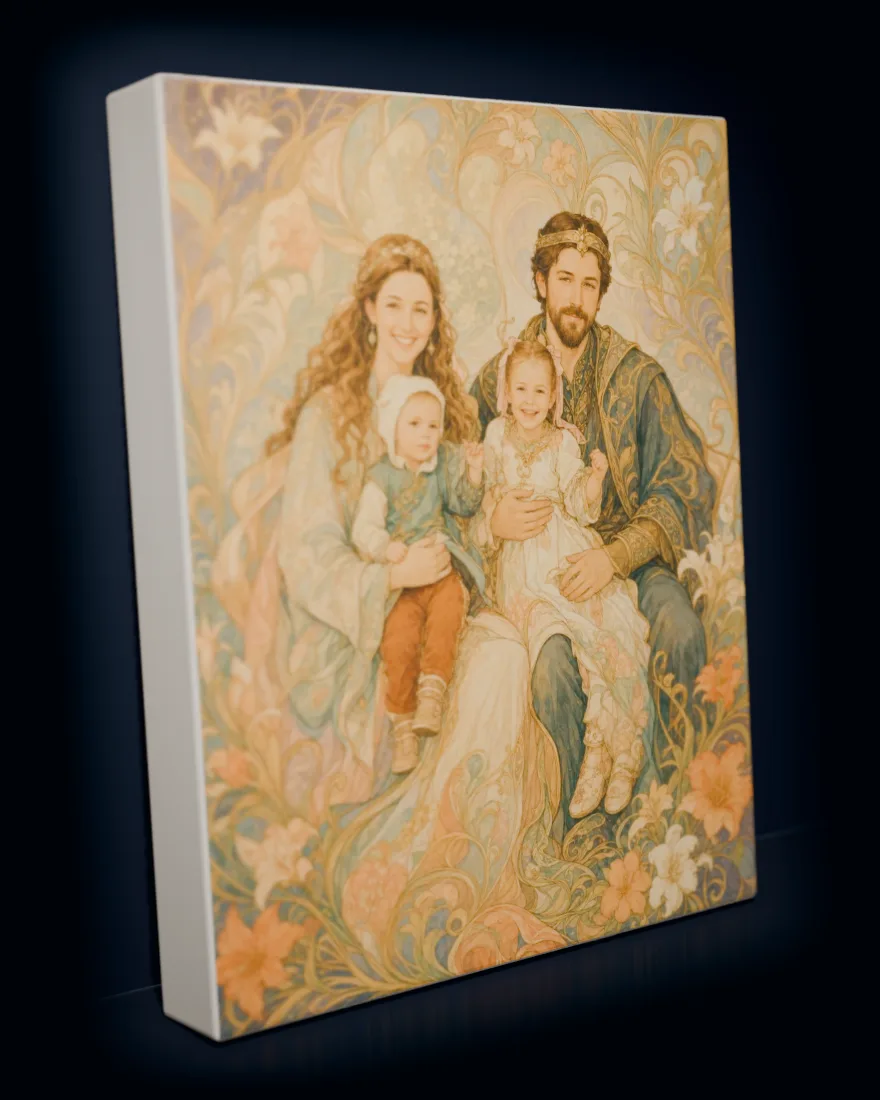
Turn this year's card photo into the artwork
Upload one family photo, pick an art style, and see the portrait before you decide anything. Nothing prints until you approve it, and the original photo is deleted within 24 hours.
If you are shopping rather than shooting, our Christmas gifts for the whole family list and our guide to making a puzzle from a family photo both start from the same place: one photo you already have.
Frequently asked questions
What is the best Christmas card photo idea for a family with young children?
+
Photograph an activity rather than a pose. Cookie decorating, tree trimming and bubble chasing all give small children a job, and a child with a job produces a real expression instead of a held smile. Shoot in burst mode during the activity and pick the frame afterwards. Plan for roughly fifteen usable minutes with a toddler.
When should I take my Christmas card photo?
+
Late September to mid October for most families. That leaves time to choose an image, order and receive cards, address them, and mail them in late November so they arrive in the first week of December. It also lands while the light is still low and warm and outdoor settings still have color in them.
What resolution does a Christmas card photo need?
+
A 5×7 card at 300 PPI needs 1,500 × 2,100 pixels, about 3.2 megapixels, which any modern phone clears easily. If you also want an 11×14 canvas of the same shot, that needs 3,300 × 4,200 pixels, about 13.9 megapixels. Shoot wide, keep the original file, and do not crop tightly on the phone before exporting.
What should we wear for a Christmas card photo?
+
Coordinate a palette of three or four colors rather than dressing everyone identically. Warm neutrals such as cream, camel, rust and burgundy photograph well in winter light. Avoid pure white, which washes out skin tones against snow, and avoid loud patterns, which pull attention off faces. Matching pajamas are the deliberate exception.
Can I use a phone for the Christmas card photo?
+
Yes. A phone clears the resolution a card needs several times over. Use portrait mode carefully in groups, since it can soften someone at the back, tap to lock focus and exposure on faces, and use burst mode with children and pets. Shoot both vertical and horizontal versions of every setup.
Should the Christmas card photo be vertical or horizontal?
+
Shoot both. Card designs are usually laid out for one orientation and wall frames often want the other, so having both versions of the same setup removes a decision you would otherwise be stuck with weeks later. Leave space around heads in each, because the card layout and the print will crop differently.