
Turn a Photo Into a Coloring Page
Upload a photo of your child, your pet or the whole family, pick a world, and in about 20 seconds they star in a coloring page to print. Free, with no sign-up.
Free, with no sign-up. About 20 seconds a page.
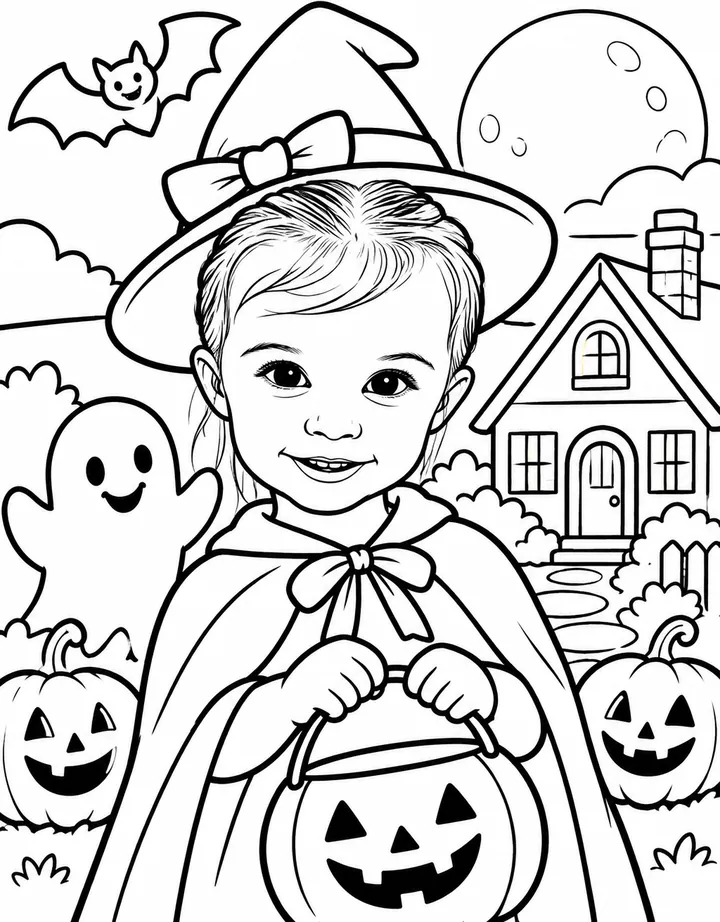
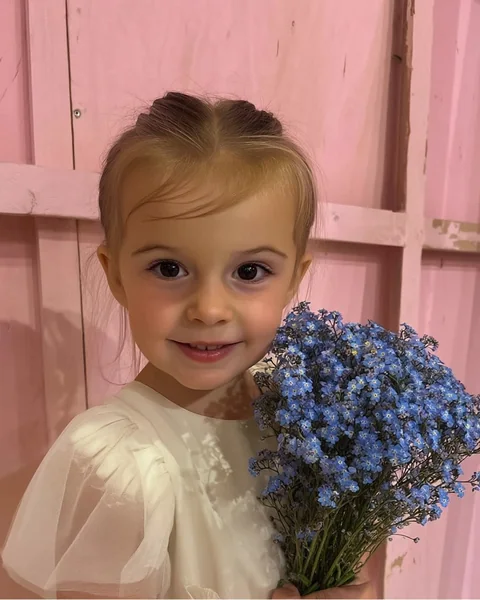
How to turn a picture into a coloring page
To turn a photo into a coloring page, upload one clear photo of a child, a pet or a whole family, say who is in it, and pick one of 29 worlds, from outer space and a dinosaur jungle to a mermaid lagoon or a birthday party. In about 20 seconds the photo is redrawn as a page from a children’s coloring book: bold, closed black outlines on white, with no shading or gray, large shapes for ages 3 to 8, the face and hairstyle kept, and the world drawn all around them. The page downloads as a US Letter PDF to print at 100% on plain paper or card stock, plus a picture to save. It is free, with no account and no email, up to 6 pages a day, and the photo is used once to draw the page and is not kept.
-
Add a photo
A clear, well-lit photo of your child, your pet or the whole family, with faces easy to see. A phone photo is plenty.
-
Pick a world
One of 29 scenes, from outer space and a dinosaur jungle to a birthday party, a mermaid lagoon or a vet’s clinic.
-
Download and print
In about 20 seconds the page appears: black outlines on white, with no shading. Download the US Letter PDF and print it at 100%.
Tips for a photo that draws well
- Portrait photos with the face clear and not too small work best. Chest up and facing the camera is ideal.
- Good light matters more than the background. The background is redrawn as the world anyway.
- For a family page, put everyone in the one photo with every face visible.
- For a pet, take the photo at the pet’s eye level so its face and markings show.
- Don’t like a page? Draw it again. Each one is drawn fresh, so the next comes out different.
One photo, a page in every world
Two children, a corgi and a family, each drawn from a single picture. The face stays theirs, and the world around them is all outline, ready for crayons.
-
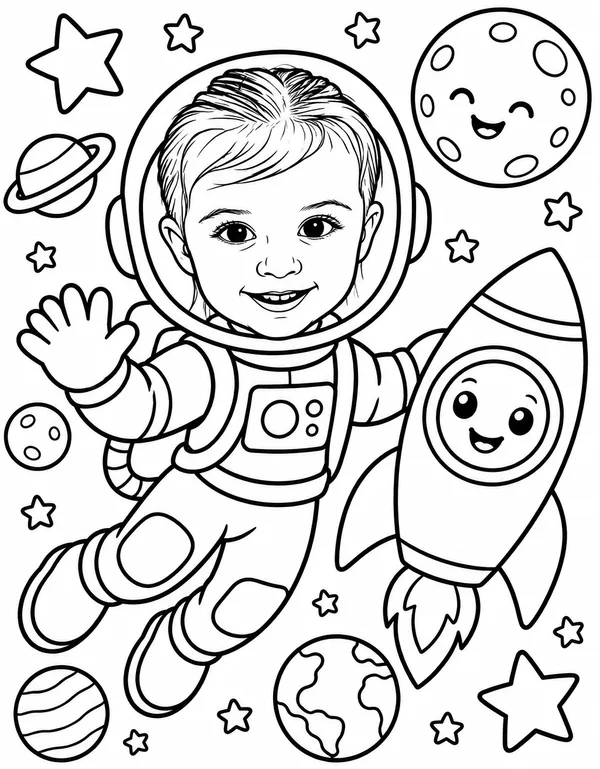 Space Explorer
 -
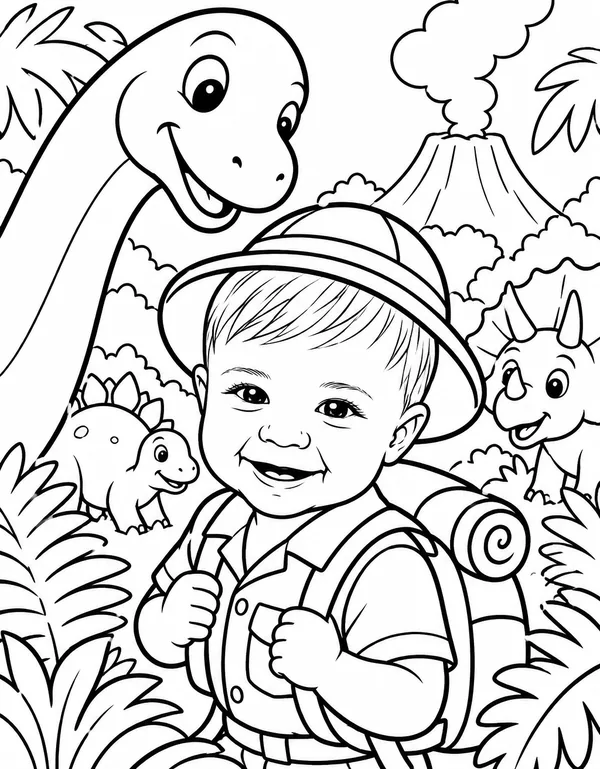 Dino Expedition
 -
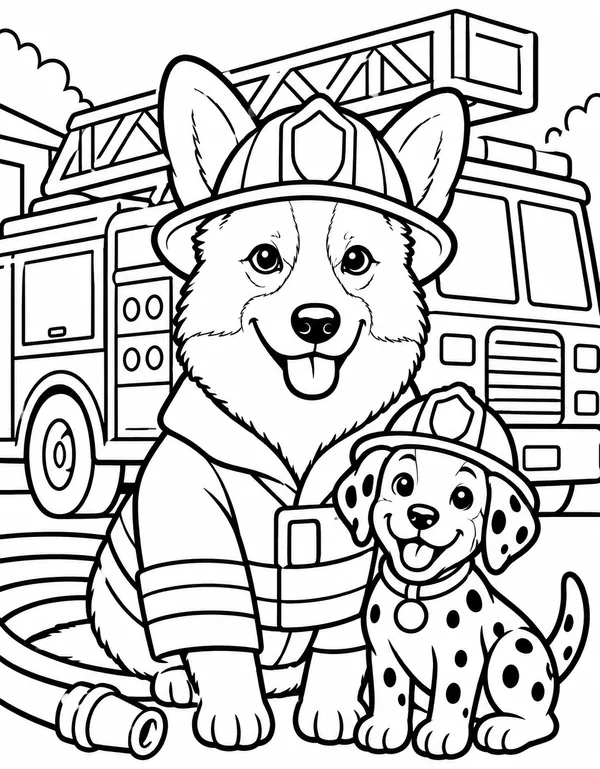 Fire Rescue
 -
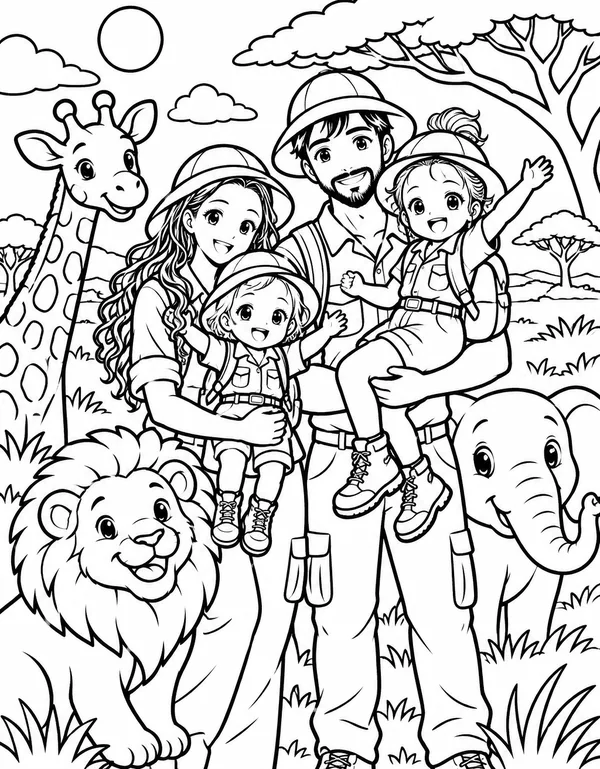 Jungle Safari
What you get
A page that looks like it came from a real coloring book, with the child, the pet or the family as its star.
- Cost
- Free. No sign-up and no email. Up to 6 pages a day.
- Time
- About 20 seconds a page.
- Who
- A child, a pet, or the whole family, from one photo.
- Worlds
- 29 scenes: adventure, fantasy, the seasons and grown-up jobs.
- The page
- Bold black outlines on white, large shapes for ages 3 to 8, no shading or gray.
- File
- A US Letter PDF (8.5 × 11 in) and a picture to save.
- Your photo
- Used once to draw the page, then dropped. We don’t store it or the page.
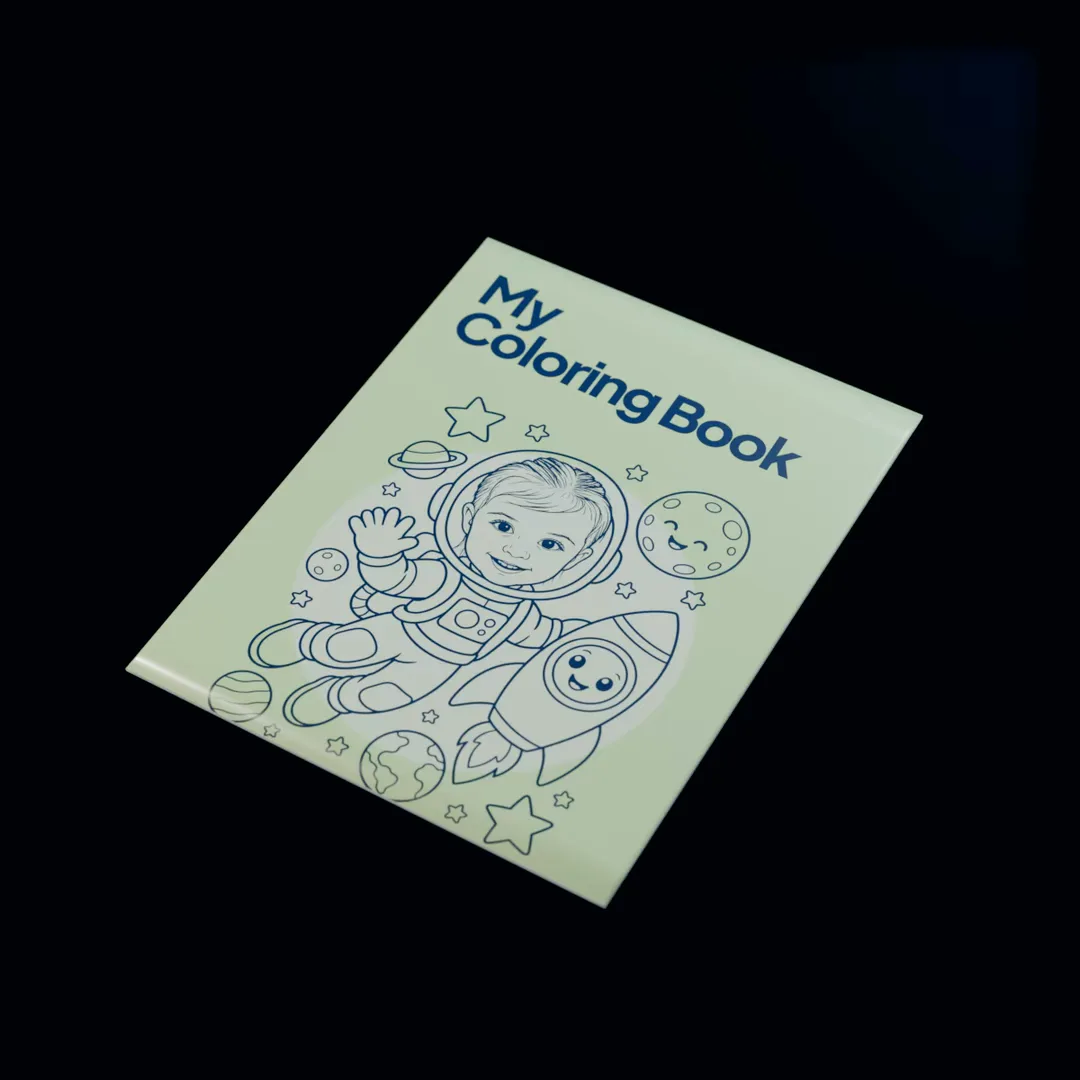
Make it a whole book
The same photo drawn into 24 worlds and printed as a real 8.5 × 11 in coloring book. See the cover and two pages free before you order.
$34 free US shipping
Coloring page questions
Anything else, write to hello@thecuriousthing.com.
How do I turn a photo into a coloring page?
Upload a clear photo of your child, pet or family above, say who is in it, and pick one of 29 worlds. In about 20 seconds the photo is redrawn as a coloring page, with the face kept and the scene around them in black outlines on white. Download the US Letter PDF and print it at 100%.
Is it really free?
Yes. Making, downloading and printing the page is free, with no account and no email. To keep it free for everyone, one connection can make up to 6 pages a day.
What kind of photo works best?
A photo from the chest up, facing the camera, in good light, where the face is not too small. A plain background helps but is not needed, because the background is redrawn as the world you pick. For a family page, everyone should be in the one photo with their faces visible.
Can I make a coloring page of my pet?
Yes. Choose A pet, and the page keeps your pet’s face, ears and markings, in any of the worlds: a dog astronaut, a cat pirate, a bunny at a birthday party. A photo taken at the pet’s eye level works best.
Does it keep my photo?
No. Your photo is sent once to the image model that draws the page and is not stored by us, and the finished page goes straight back to your browser without being saved. Nothing is used to train AI. Read the privacy policy.
How do I print it?
Open the PDF and print at 100% or Actual size on plain US Letter paper. On A4, choose Fit to page. Card stock takes markers and paint without bleeding through. The picture can also be saved and printed from a phone.
Is it drawn by AI?
Yes. An image model redraws the photo as line art in the world you pick, keeping the face, hairstyle and features. Each page is drawn fresh, so the same photo drawn twice gives two different pages. Nothing is traced from a filter, which is why the lines come out bold and closed, ready to color.
Can I make a whole coloring book?
Yes. The personalized coloring book puts the same photo in 24 worlds, printed and bound as an 8.5 × 11 softcover, $34.