The Curious Theatre
Draw anything. Give it eyes. Watch it take a bow.
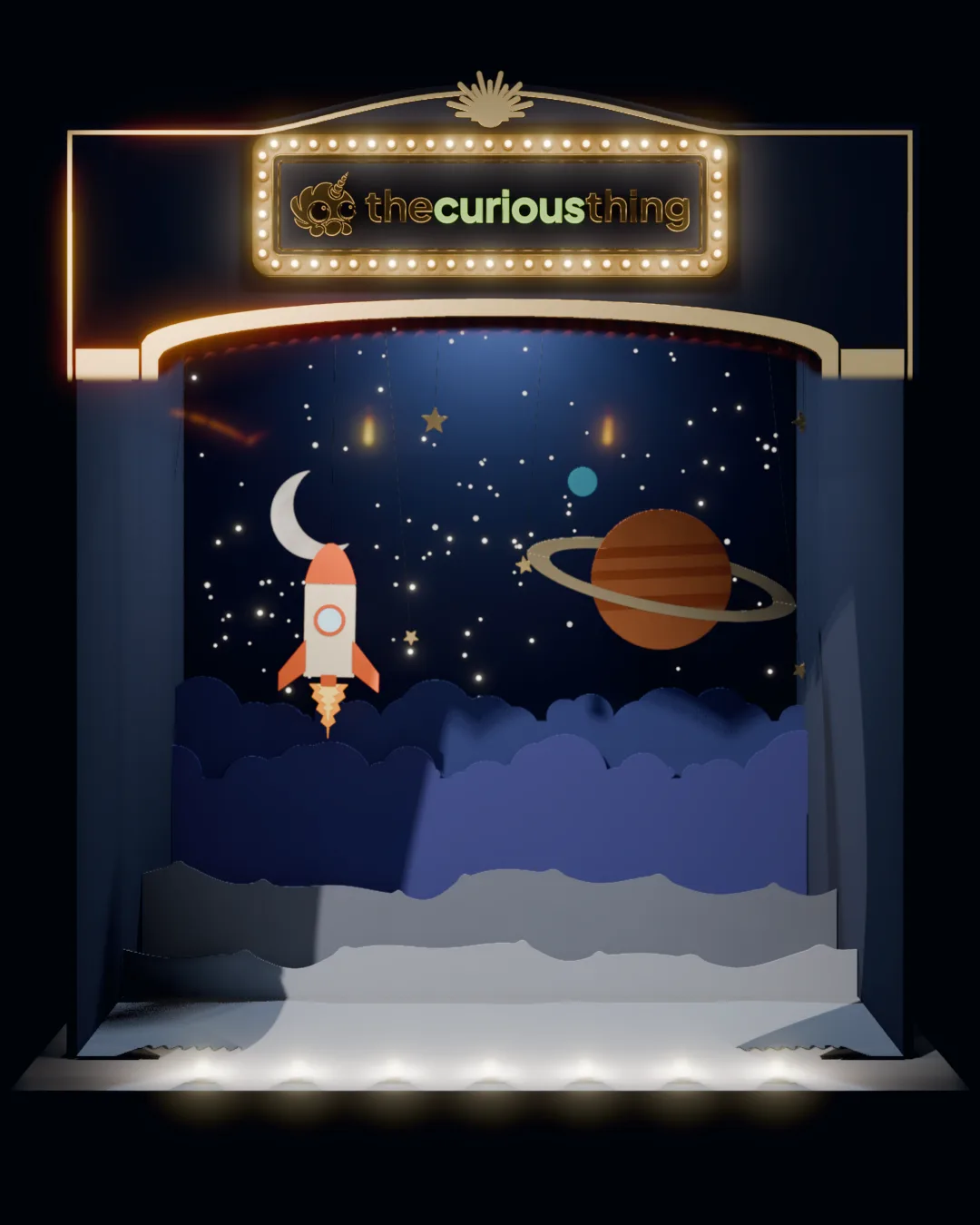
Just the stage, nothing else to tap.
Or drop a photo of a drawing on the stage.
How their drawing comes to life
The Curious Theatre is a free drawing toy for children of about two to seven that brings a drawing to life in the browser, on a phone, tablet or computer. A child picks a ready-made crayon puppet or draws their own with a finger, or a grown-up photographs a drawing made on paper and the page lifts it off the sheet. The drawing is cut out as a paper puppet, gets googly eyes and walks onto a little lit stage (the North Pole, outer space or under the sea), where every key or tap makes it jump, spin or sneeze. Each show is saved as a short video to keep or share. It animates the drawing exactly as the child made it, never redrawn by AI and never uploaded: everything happens on your device, with no app to install, no account and nothing to pay.
-
They pick a star, or draw one
Our own unicorn octopus, a cat, a dinosaur, a puppy or a robot is ready to go. Or they draw anything with a finger in a box of ten crayons, or you upload a photo of a drawing on paper and it is lifted off the page.
-
It is cut out and wakes up
Scissors go round the drawing, it lifts off the paper as a puppet, and two taps give it googly eyes (drag one to move it). Something not right? Go back and edit it, even after the show.
-
A keyboard smash game for toddlers
It hops on from the wings, and from then on every key does something: J jumps, S spins, A sneezes, numbers count, and the stage joins in. On a phone, every tap does. The show ends in a bow and is saved to keep.
A keyboard smash game safe for toddlers
The Curious Theatre is a free keyboard smash game that is safe for toddlers, with nothing to install. It runs in the browser, so there is no app or download, and there are no ads, no accounts and no sign-up. Every key a small hand hits makes the puppet or the stage do something, and Play full screen keeps it all on the stage. This page is for children, so it is kept apart from the rest of the shop. Children’s privacy notice
- Accounts
- None. No names, no email, nothing to fill in.
- Drawings
- Made and kept on this device. Nothing is uploaded.
- Trackers
- No advertising pixels, no session recording and no advertising cookies on this page.
- The gate
- Saving, sharing and anything to buy sit behind a press-and-hold button for grown-ups.
- Cost
- Nothing to pay and nothing to sign up for.
Keep a drawing forever
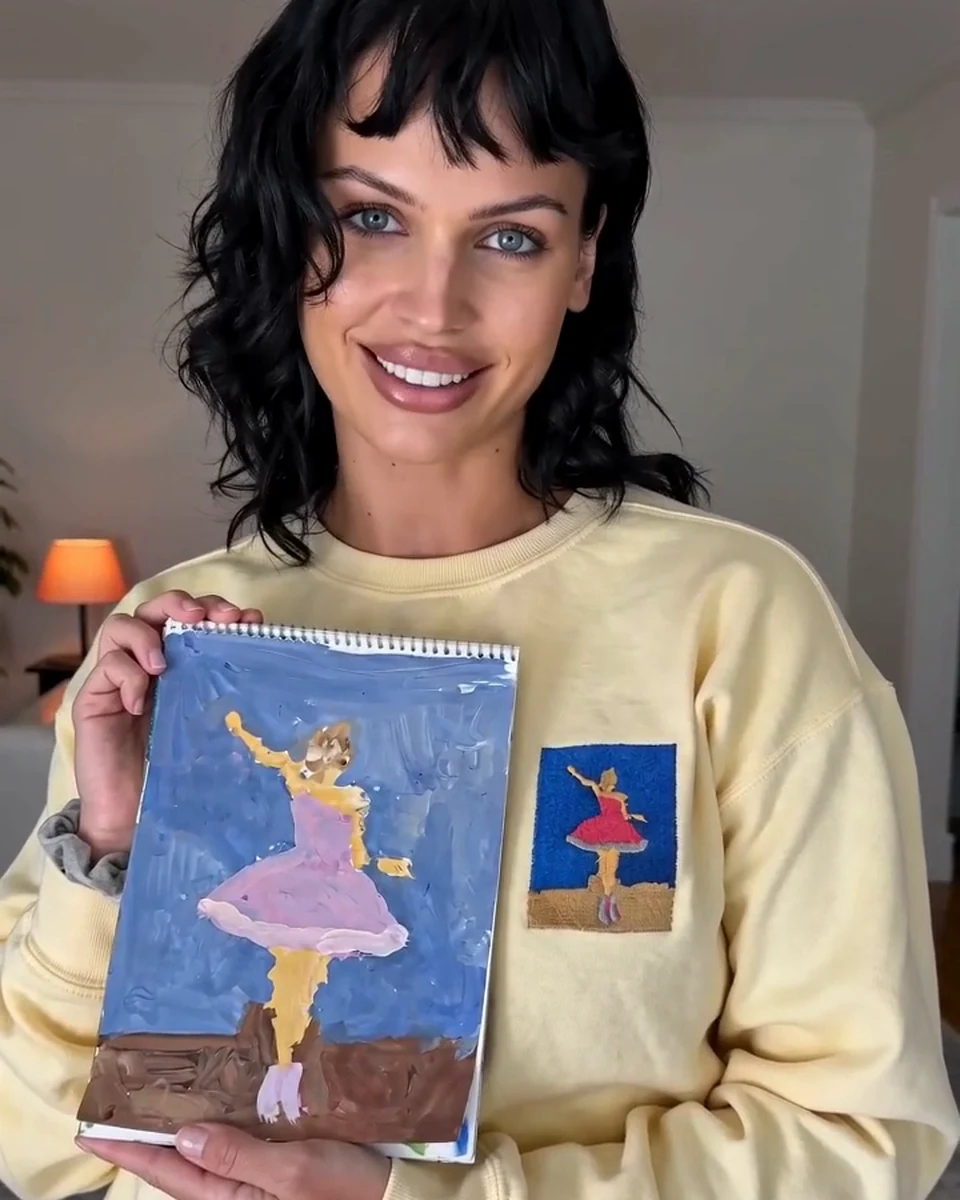
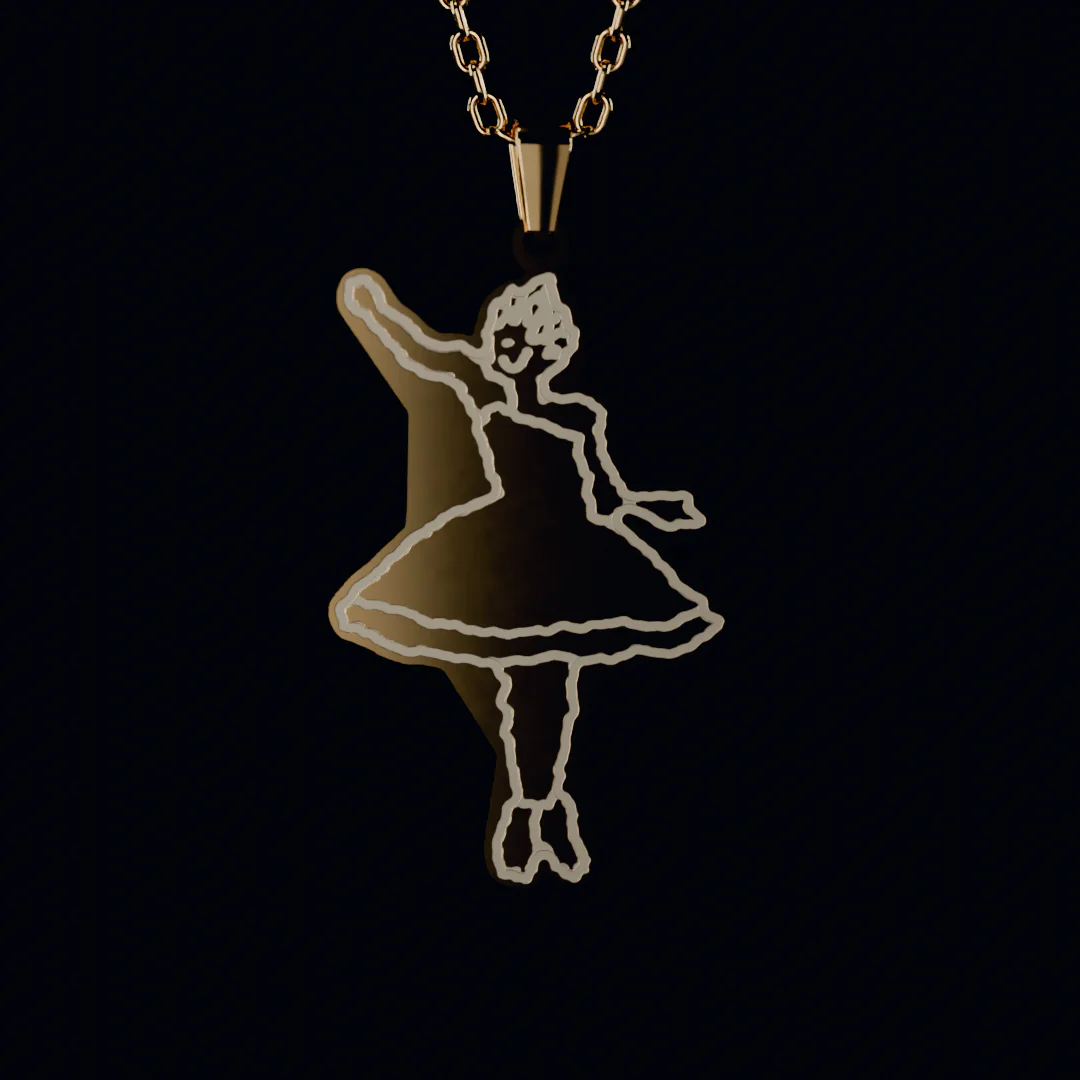
The drawing that just took a bow can be stitched in real thread or kept on a necklace. From the grown-up gate it goes straight into the studio, and you see how it comes out before you order.
Questions from grown-ups
Anything else, write to hello@thecuriousthing.com.
What age is the Curious Theatre for?
From about two: a toddler banging the keyboard makes something happen every time, with nothing to get wrong. Three-year-olds can draw with a grown-up beside them, and most five-year-olds manage it alone. The buttons are big pictures, and the only words a child needs are the ones on the stage.
What happens when a toddler smashes the keyboard?
Every letter makes the puppet do something that starts with it (J jumps, S spins, Z falls asleep) and pops up on the stage, numbers bring that many stars, snowflakes or fish, and the other keys set the stage going: a sleigh, a rocket, a whale, the footlights. Every key also plays the next note of the stage’s tune. Enter takes a bow. On a phone or tablet, tap the puppet, the sky or the floor. Play full screen keeps small hands on the stage.
How do I set it up for my child?
Pick a star (or let them draw one), then tap Play full screen. The page and its buttons go away and only the stage is left, so every key and every tap is part of the game. To come back, press and hold Grown-ups in the corner for two seconds; what it opens also changes the sound, who is on stage and which stage, without leaving. On a computer, Esc works too. An iPhone cannot go truly full screen, so there the stage fills the window; to keep small hands from leaving the page, turn on Guided Access (Settings, Accessibility, Guided Access) and triple-click the side button. On Android, a swipe in from either side of the screen ends full screen and no web page can stop it, so the stage stays put and the next tap goes full screen again. To switch that swipe off for their turn, change to 3-button navigation (Settings, System, Navigation mode; on a Samsung, Settings, Display, Navigation bar), and turn on App pinning (in Settings, under Security) to keep them in the browser.
Can a toddler swipe out of it on a Mac?
Not with the page’s own gestures: in play mode the two-finger swipe (back a page) and the pinch (zoom) do nothing, so the stage stays put. A few gestures belong to the Mac itself, and no web page can switch them off: swiping three or four fingers across to another desktop or app, and the 🌐 key, which opens the emoji picker. For a toddler’s turn, switch them off in System Settings: under Trackpad, More Gestures, turn off swiping between full-screen apps and Mission Control; under Keyboard, set “Press 🌐 key to” to Do Nothing.
Do I need to sign up or pay?
No. The Curious Theatre is free: no account and nothing to buy to play. It runs in your browser on a phone, tablet or computer, with no app to install.
Does it use AI, or upload the drawing?
Nothing is uploaded, and no AI draws, changes or animates the drawing. It is cut out and moved as a paper puppet by the page itself, on your device. For a photo of a painting, a small model running in your browser finds where the painted figure ends, and that stays on your device too. Nothing is sent anywhere.
Where does my child’s drawing go?
Nowhere. It is drawn, cut out and animated on your device and kept in your browser. Nothing is sent to us unless you pass the grown-up gate and choose to turn the drawing into a keepsake, and then you upload it yourself like any order. Read the children’s privacy notice.
Can we save the show?
Yes. Each show is recorded on your device as it plays, from the curtain rising to the bow, about half a minute. Hold the Grown-ups button for two seconds to save the video or share it, as an MP4 on most phones.
Can I use a drawing they made on paper?
Yes. Tap Upload a drawing and pick a photo of it, or take one, flat and in good light (on a computer you can drop the photo on the stage). The paper is taken away in your browser and the drawing joins the show. To tidy it up first, loop the lasso round anything that is not part of it (a table edge, a stray mark) and remove it, and what is left grows to fill the page; the contrast slider picks up faint pencil or cleans up a grey photo. They can draw more on top too. The photo never leaves your device.
Can we turn the drawing into something real?
Yes. From the grown-up gate, the drawing goes straight into our studios: stitched in real thread on a sweatshirt, hoodie, tee or tote from $45, or kept on a necklace from $59. You see exactly how it comes out before you order.