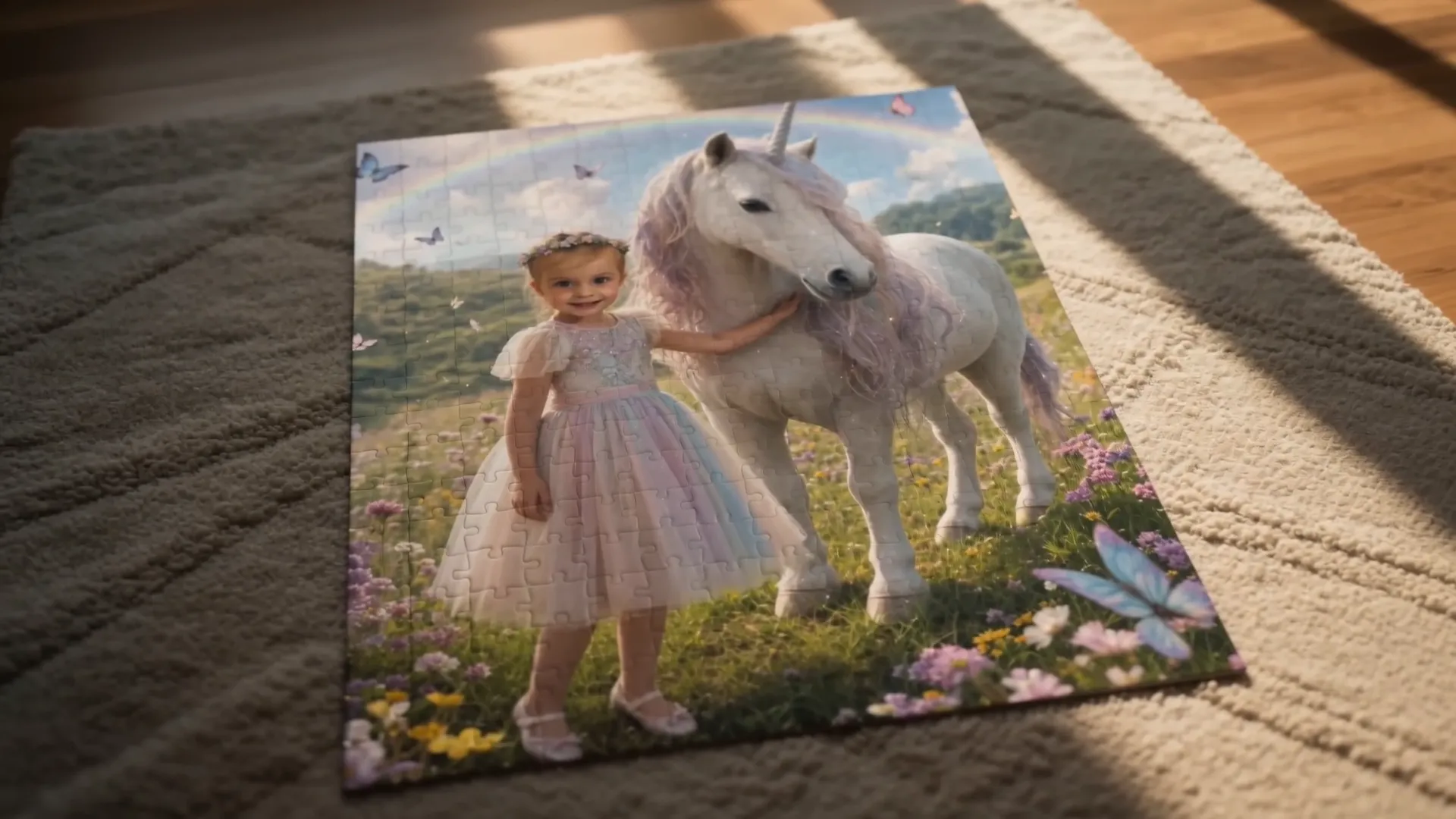
How to pick the best photo for a custom puzzle
The best photo for a custom puzzle is a clear, recent, front-facing close-up of one child where the whole face is visible, the lighting is even, and nothing covers the eyes. Skip sunglasses, hats with shadowy brims, motion blur, and heavy filters, and upload the largest original file you have.
The best photo for a custom puzzle is a clear, front-facing close-up of one child with even lighting and a fully visible face. When the portrait turns your child into the hero of a fantasy world, the AI works from their actual features, so the sharper and more natural your photo is, the more the finished puzzle looks like them. Below are specific checks to run before you upload, plus the easiest fixes if your photo falls short.
| Aim for | Avoid | Why it matters |
|---|---|---|
| Clear, front-facing close-up of one child | Profile, three-quarter turn, or a busy group shot | The portrait maps your child's real features onto the hero |
| Soft, even daylight on the whole face | Harsh overhead sun, backlighting, or hard flash | Even light means the result doesn't have to guess at a shadowed half |
| Fully visible eyes, nose, and mouth | Sunglasses, hat brims, or hair across the eyes | The eyes are the most important part of a likeness |
| Largest, sharpest original file you have | Tiny or blurry copies saved from text or social apps | It prints large on a premium jigsaw and can't be sharpened later (start your puzzle) |
What makes a photo good for a custom puzzle?
A good custom-puzzle photo shows one child looking toward the camera, with the full face in focus and lit evenly from the front. The portrait is built from your child's real features, so the model needs to see those features clearly: both eyes, the shape of the nose and mouth, the hairline, and skin tone. The strongest uploads are recent close-ups taken at the child's eye level, with the head and shoulders filling most of the frame. If you can quickly point to the eyes, eyebrows, and a natural expression in your photo, it will almost always make a great hero portrait.
1. Make the face clear and front-facing
Choose a photo where your child faces the camera and the whole face is sharp and visible. A straight-on or very slight angle works best, because the transformation maps your child's features onto the hero, and a profile or three-quarter turn hides half of them. You want the eyes open and looking roughly toward the lens. A natural smile or a relaxed expression both work; what matters is that the eyes, nose, and mouth read clearly. Avoid shots where the child looks down, glances far to the side, or is caught mid-laugh with the face scrunched, since those give the model less of the real face to work from.
2. Use even, natural lighting
Pick a photo with soft, even light across the whole face and no harsh shadows. Indirect daylight is ideal: stand your child facing a window, or step into open shade outdoors on a bright day. Avoid direct overhead sun, which casts dark shadows under the eyes and nose, and avoid strong backlighting, where a bright window behind your child leaves the face dim. A hard on-camera flash can flatten features and cause red-eye. If half the face is bright and half is in shadow, the portrait has to guess at the hidden half, so an evenly lit photo gives the truest result.
3. Skip sunglasses, hats, and anything covering the face
Avoid photos with sunglasses, brimmed hats, hoods, or hair falling across the eyes, because anything that hides the face hides the features the portrait needs. Sunglasses remove the eyes entirely, and the eyes are the most important part of a likeness. A hat brim throws a shadow across the upper face and can crop out the forehead and hairline. Regular eyeglasses are usually fine as long as there's no heavy glare on the lenses. Face paint, costume masks, and a pacifier or food covering the mouth all cause the same problem, so choose a clear-faced shot whenever you can.
4. Feature one child and upload a sharp, high-res original
Make your child the clear main subject, ideally alone in the frame, and upload the largest, sharpest original file you have. Group shots or a busy background make it harder to tell who the hero should be, so crop in so your child's head and shoulders fill most of the frame against a simple background. Resolution matters too, because the portrait prints large enough to fill a premium jigsaw, and a tiny or blurry source can't be sharpened later. Use the original from your camera roll rather than a copy saved from a text or social media app, since those are usually shrunk and softened, and skip heavy filters or beauty smoothing that alter the real face.
How do I upload my photo and see a proof?
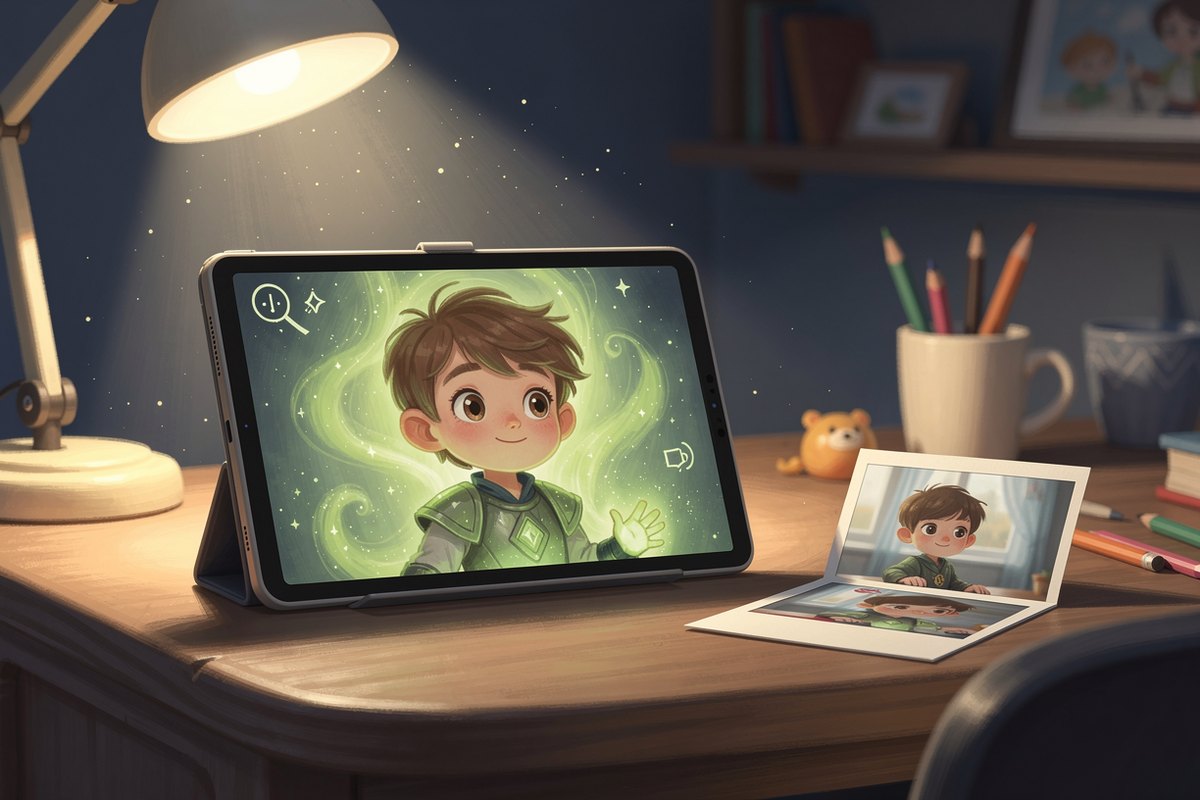
Once you've chosen your photo, head to the create page, pick a magical world, and upload your picture, and we'll generate a hero portrait of your child. Before anything is printed, you review a watermarked proof and actively approve it, so you can see exactly how the likeness turned out and request a change if it isn't right. Nothing goes to print until you say yes. Your uploaded photo is deleted within 24 hours, is never used to train AI, and your child's name is never sent to the model. If you're still deciding on a size or world, the custom photo puzzle page walks through the options.
Frequently asked
Can I use a phone photo for a custom puzzle? +
Yes. A recent phone photo works well as long as it's a clear, front-facing close-up with even lighting. Upload the original full-size file from your camera roll rather than a version saved from a text or social media post, since those are usually shrunk and softened.
What photo problems should I avoid? +
Avoid sunglasses, brimmed hats, hair across the eyes, harsh shadows or backlighting, motion blur, heavy filters or beauty smoothing, and busy group shots. Each of these hides or alters the real features the portrait is built from, which weakens the likeness.
Will the puzzle look like my child if the photo isn't perfect? +
The clearer your photo, the closer the likeness, but you don't have to guess. You review a watermarked proof and actively approve it before anything is printed, so if the result isn't right you can request a change. Nothing goes to print until you approve it.